Site-specific details
Electrical fit-off and maintenance
Brunswick mixed-use project
Northbank Constructions
Mia Harrington, supervisor
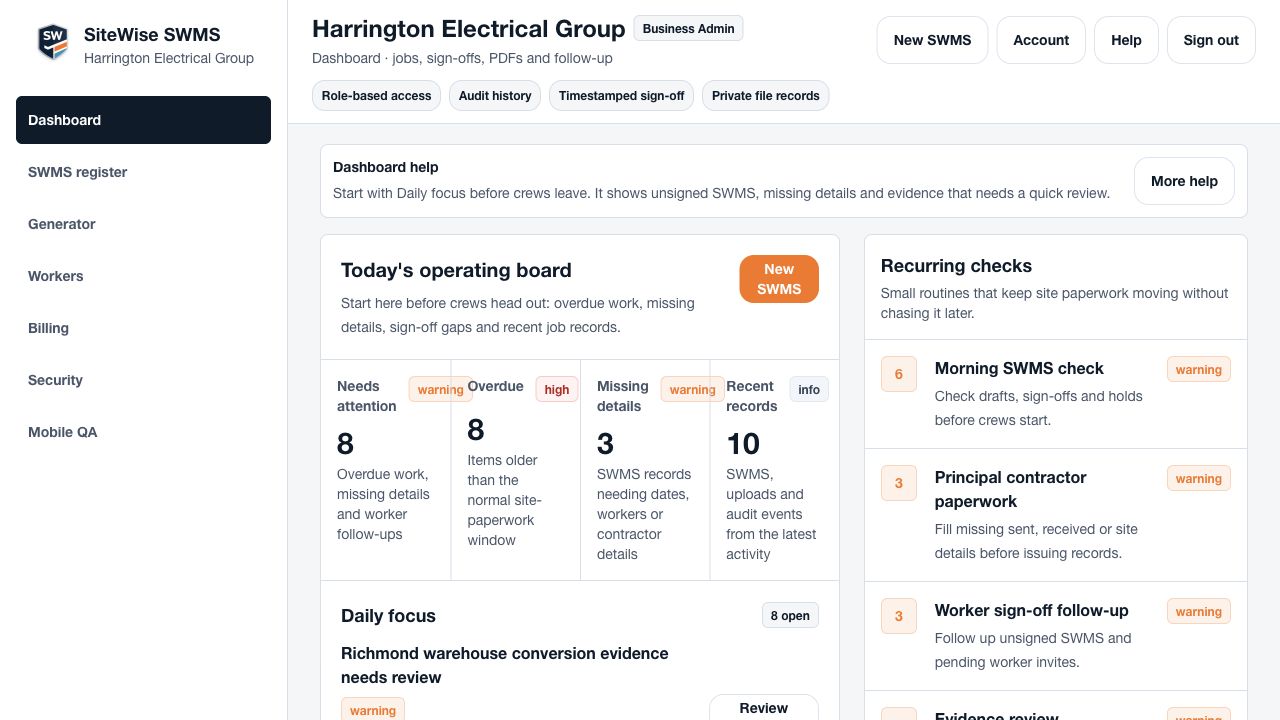
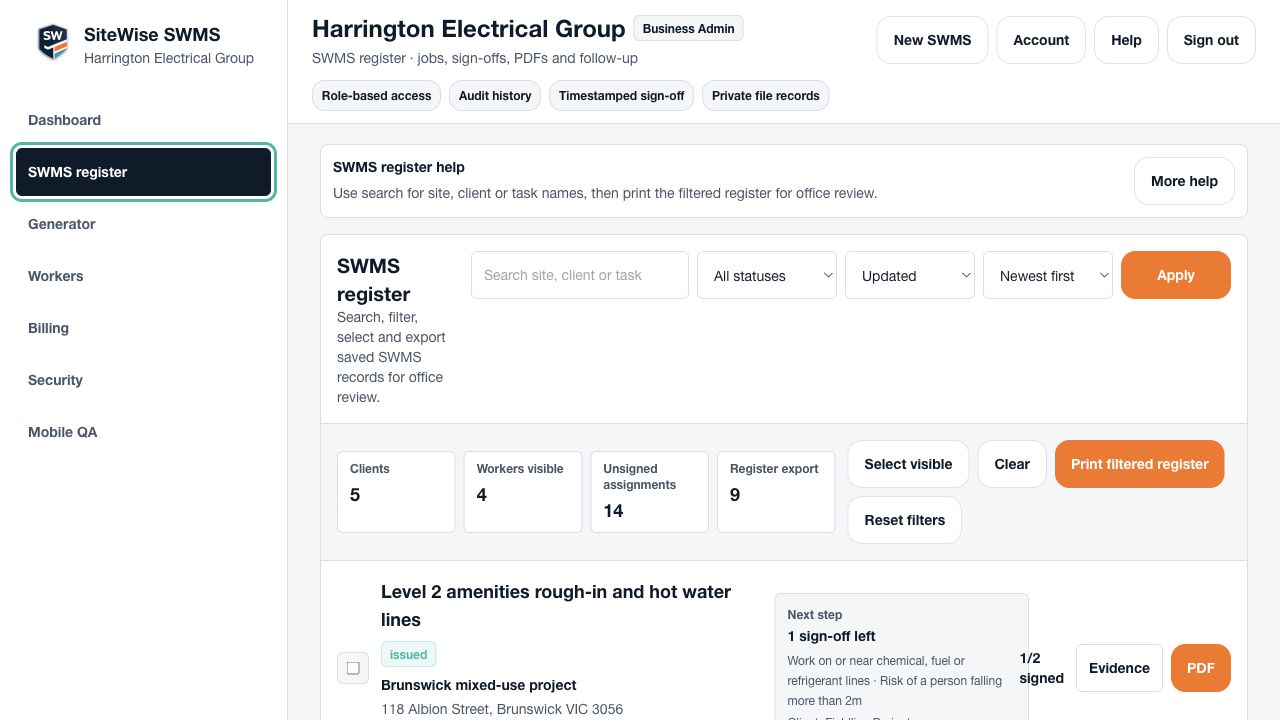
SiteWise SWMS helps admins, supervisors and owners start from templates, add the real site details, collect required worker sign-off, send the PDF as a plan member and keep the record together.
Template, site details, required sign-off and PDF record.
Assign the workers who need to review the SWMS before the PDF goes out.
Use structured SWMS templates for common Australian trade work instead of starting from a blank document.
Add the site, work activity, high-risk construction work, hazards, controls and responsible people before issue.
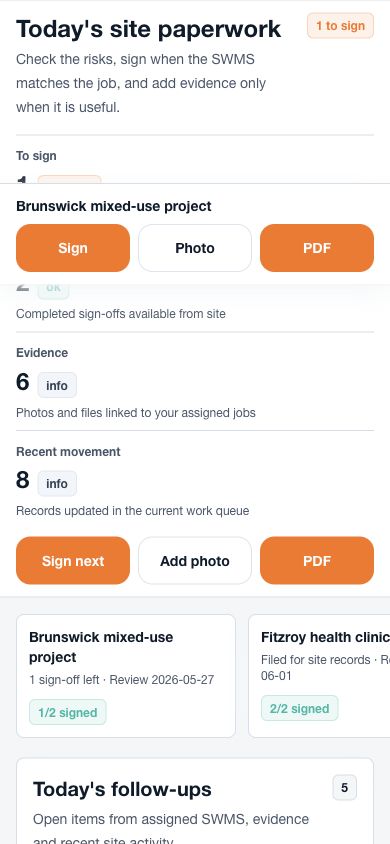
Assigned workers can review the SWMS and sign from a phone, while admin can see who is still outstanding.
Unlimited accounts can send the issued PDF to the builder or principal contractor, then keep the sent status, PDF version, signatures and evidence with the SWMS.
A SWMS can be half done in plenty of ways. SiteWise shows missing details, required sign-off, ready-to-send records, failed sends and records updated after sending.
Clear status for admin before work starts.
Clear status for admin before work starts.
Clear status for admin before work starts.
Clear status for admin before work starts.
Clear status for admin before work starts.
Clear status for admin before work starts.
Details, required sign-off, send status and records.
Needs details
3
Site, supervisor or principal contractor fields missing
Waiting for sign-off
5
Required workers still need to review
Ready to send
2
Issued and signed, waiting for the PDF send
Sent
12
PDFs sent and kept with the SWMS record
Send failed
1
Needs another attempt
Updated after send
2
Changed records that need review
Richmond warehouse conversion
Waiting for 2 required signers
Brunswick mixed-use project
Issued SWMS ready to send
Fitzroy health clinic rough-in
Sent to principal contractor
Carlton tenancy fit-off
PDF changed after send
Unlimited accounts can attach the issued SWMS PDF to an email for the builder, principal contractor or site contact. The record keeps the recipient, send status, timestamp and PDF version.
Manual PDF export remains available when you need it.
Attach the issued PDF and keep the send record with the SWMS.
From
Harrington Electrical Group
Recipient
site@northbank.example
Brunswick mixed-use SWMS v3
Status
Ready to send
After send
Recipient, timestamp and PDF version kept
Planned auto-send
Send to site admin after required sign-off
Use SiteWise to build the SWMS, track required sign-off, send the PDF as a plan member and keep the record, without digging through folders and email threads.